3D printing is super exciting and can feel a bit overwhelming at first. But diving into the basics can make it a lot easier! At its core, 3D printing is all about creating physical objects from digital designs. You start with a 3D model, usually made on a computer or downloaded from the internet, and the printer builds it layer by layer using materials like plastic, resin, or even metal.
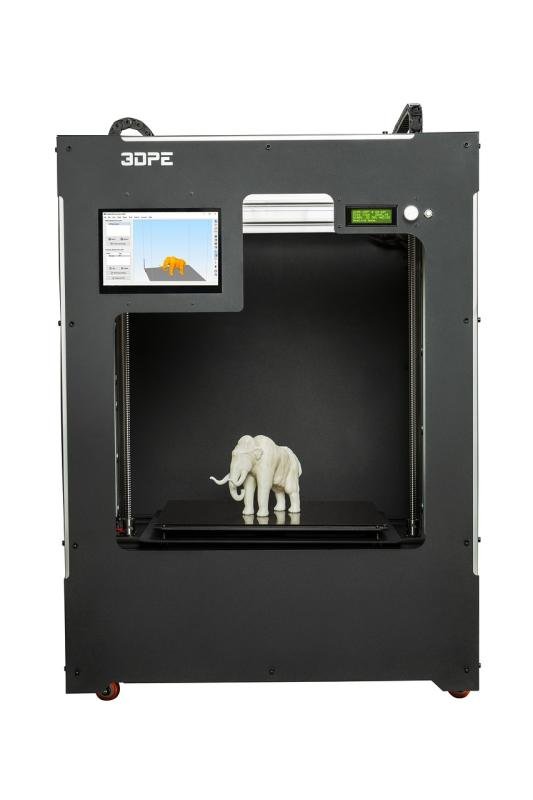
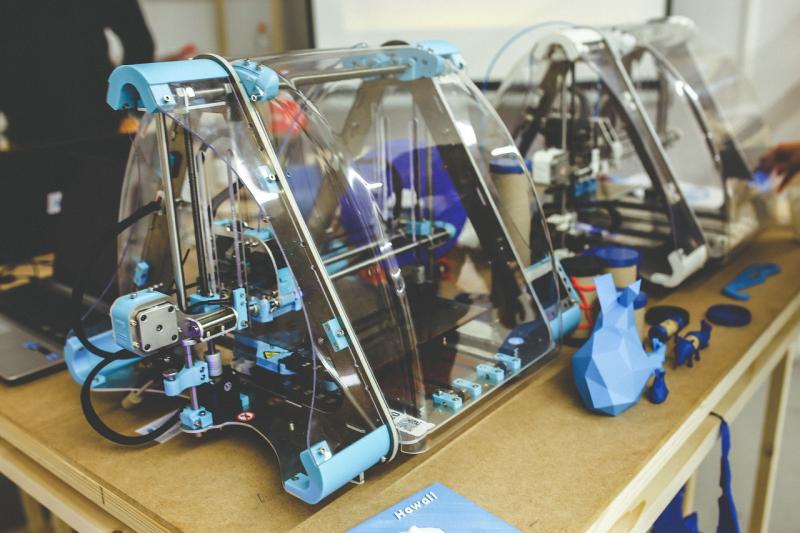
Let's break down the main components. First, you have the 3D printer itself. There are different types, like FDM (Fused Deposition Modeling), which uses filament, and SLA (Stereolithography), which uses resin. Each type has its perks and ideal uses, so picking one that fits your projects is key.
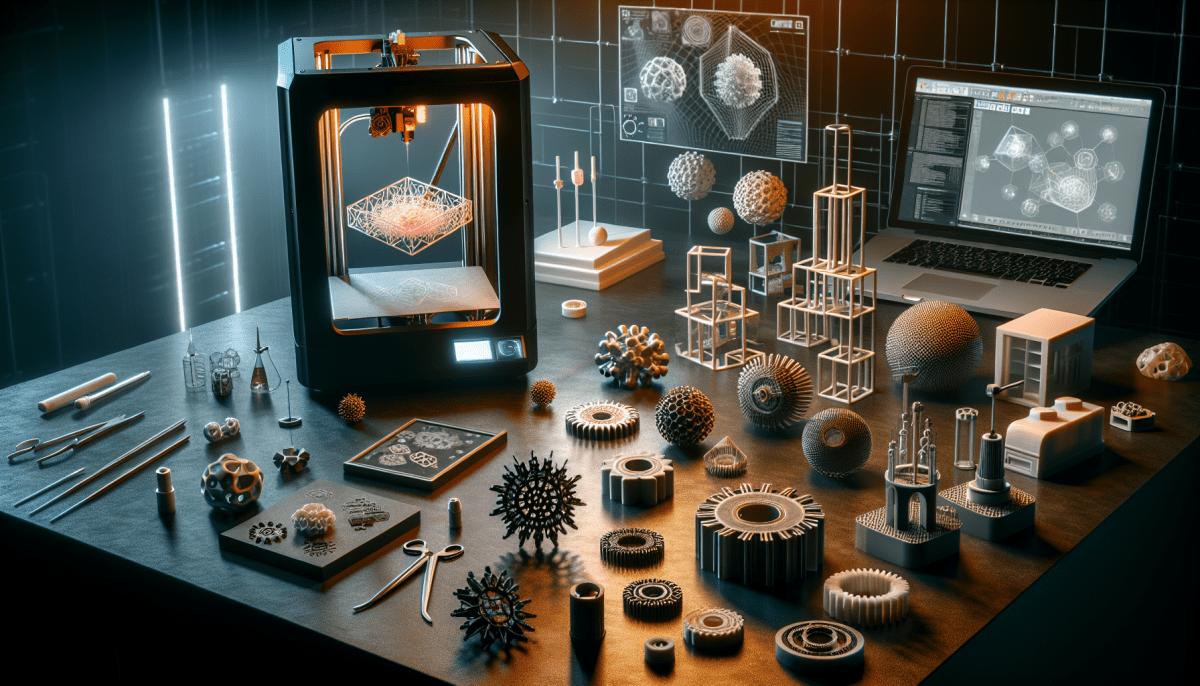
Next up is slicing software. This tool takes your digital model and breaks it down into layers so the printer knows how to build it. There are plenty of user-friendly programs out there, and many 3D printers come with their own slicer that makes this step a breeze.
Then there’s material selection. You’ll commonly see PLA and ABS filaments in FDM printing. PLA is biodegradable and easier to work with, while ABS is tougher and holds up better under heat. Knowing what material suits your project will help you get the best results.
Lastly, don’t forget about post-processing. After printing, you might need to do a bit of cleanup, like sanding or painting your object. This part can really elevate your creation and make it look polished. Jumping into 3D printing is all about experimenting and finding what works best for you, so don’t be afraid to try things out!
Choosing the Right 3D Printer
If you're just diving into 3D printing, look for a printer that's user-friendly and won't break the bank. Budget-friendly options like the Ender 3 or the Anycubic i3 Mega are perfect for beginners. They’re reliable, have a good community support system, and can handle various filaments, so you can experiment a bit.
For those who have a bit of experience and want to step up their game, consider a printer that offers more features, like the Prusa i3 MK3S+. This bad boy comes with great reliability and additional features like power recovery and a removable print bed. It's a solid choice if you plan to tackle more complicated prints.
Don’t forget about the materials! Most beginner printers use PLA, which is easy to work with, while more advanced ones might support materials like ABS or PETG. Think about what you want to create. Certain designs may call for specific materials, so keep that in mind when picking your printer.
Finally, check out the size of the build volume. If you want to make larger items, you need a printer that can accommodate them. So if you're aiming to create big prints, make sure the printer you choose has a substantial build area. Happy printing!
Essential Materials for 3D Printing
If you’re diving into 3D printing, picking the right materials is key. Different projects require different materials, so let’s break down some essentials you’ll want to consider.
PLA (Polylactic Acid) is often the go-to choice for beginners. It’s easy to work with, biodegradable, and comes in loads of colors. Perfect for basic prints, toys, and prototypes. If you mess up, no worries—it’s pretty forgiving.
ABS (Acrylonitrile Butadiene Styrene) is a bit tougher. It’s great for functional parts, thanks to its durability and heat resistance. Just remember, it can release fumes when heated, so a well-ventilated space is a must.
Then there’s PETG (Polyethylene Terephthalate Glycol-modified). This one strikes a balance between PLA and ABS. It’s strong and somewhat flexible, with good resistance to moisture. It’s a solid pick if you want the best of both worlds.
Lastly, if you’re feeling adventurous, check out TPU (Thermoplastic Polyurethane). It’s flexible and rubbery, making it ideal for things like phone cases or grips. Just keep in mind that it can be tricky to print, so maybe wait until you're a bit more comfortable.
Simple Steps to Start Printing
Jumping into 3D printing doesn’t have to be overwhelming. Here’s a simple step-by-step guide to get you started and on your way to creating amazing things!
1. Choose Your Printer: First off, pick a 3D printer that fits your needs. Do you want something compact for small projects or a larger model for bigger creations? Look for user-friendly options with good support. Some popular brands are Creality, Prusa, and Anycubic.
2. Gather Your Supplies: You'll need filament for printing. PLA is a great starting material because it’s easy to use and safe. Check out different colors and types of filament. Don’t forget to have a toolkit handy for any setup or maintenance you might need!
3. Install Software: Most printers come with software for slicing your designs. Slicing takes your 3D model and prepares it for printing. Simplify your life by choosing software that’s compatible with your printer but also easy to understand. Tinkercad is a fantastic choice for beginners to design models.
4. Print Your First Model: Time to unleash your creativity! Download a free model from sites like Thingiverse or MyMiniFactory. Load your design into the software, adjust your settings, and hit print. It feels amazing to see your idea come to life layer by layer!
Follow these steps, and you'll be printing in no time. Enjoy exploring, experimenting, and making awesome stuff with your new 3D printer!